
Real outputs · Zero post-processing · Raw model output

Gemini Omni Video Demos —Real Outputs, Real Prompts

Every clip on this page came from a single text prompt. No editing. No post-processing. No camera crew. Browse 11 real Gemini Omni video examples and see exactly what prompt produced each one.

11Real demos
<30sTo generate each
1080pHD output
10sMax clip length
✓ AudioEvery clip

Video Demo Gallery

Gemini Omni Video Demos —Browse Every Output

Hover to play on desktop · Tap to play on mobile · Each clip shows the exact prompt that generated it.

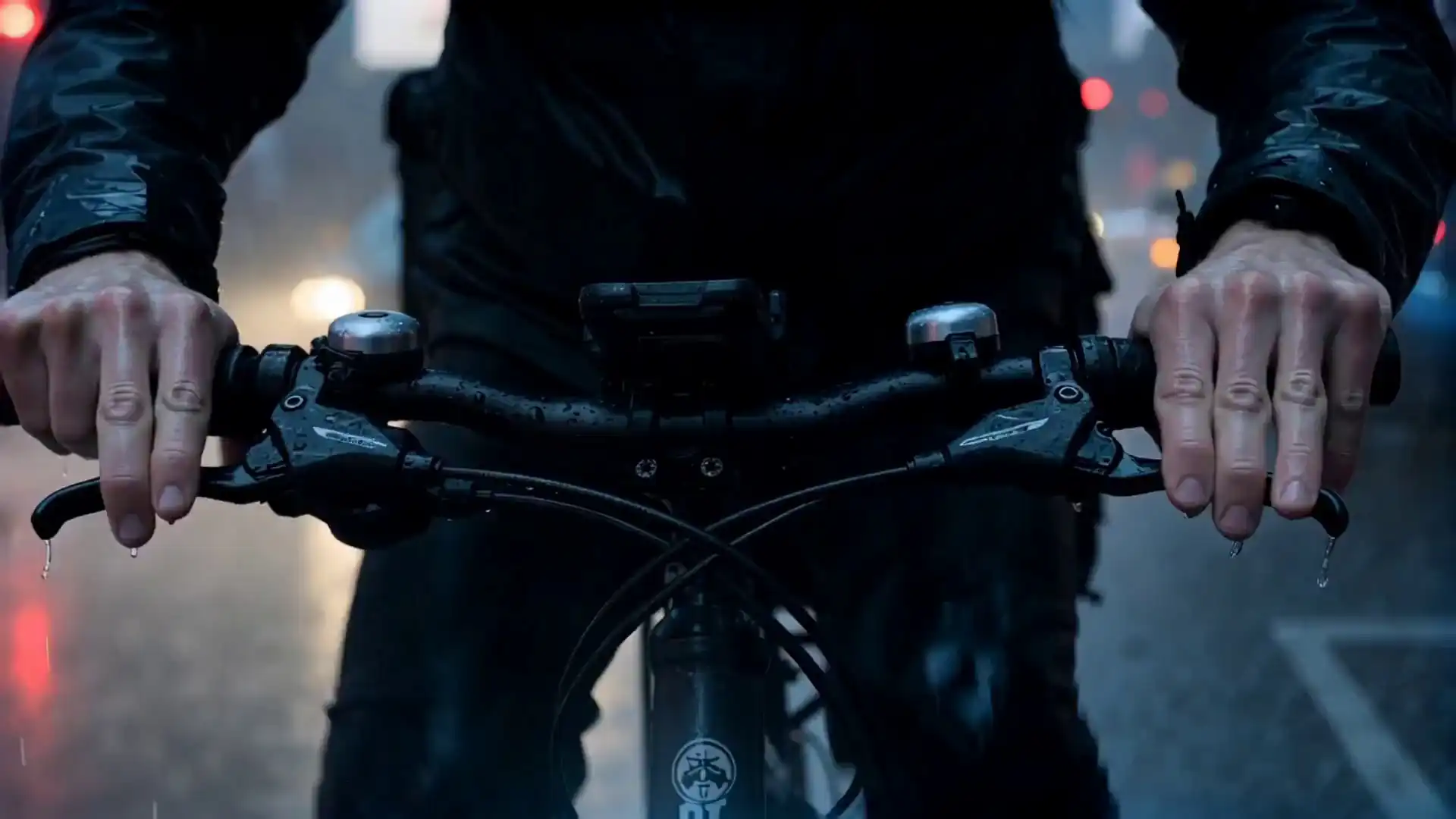
  • Gemini Omni - A kinetic midnight delivery rider racing through a rainy neon megacity.Cinematic

    Cinematic · Urban Action

    Midnight Delivery Rider in Neon Megacity

    Prompt used

    A delivery rider racing through a rain-soaked megacity at 2 AM, weaving through neon-lit streets. Close-ups of throttle control and POV shots through a rain-spattered visor. Kinetic and breathless atmosphere.

    Watch for: The neon reflections on wet asphalt stay physically consistent through all the motion cuts — no flickering or artefact bleed.

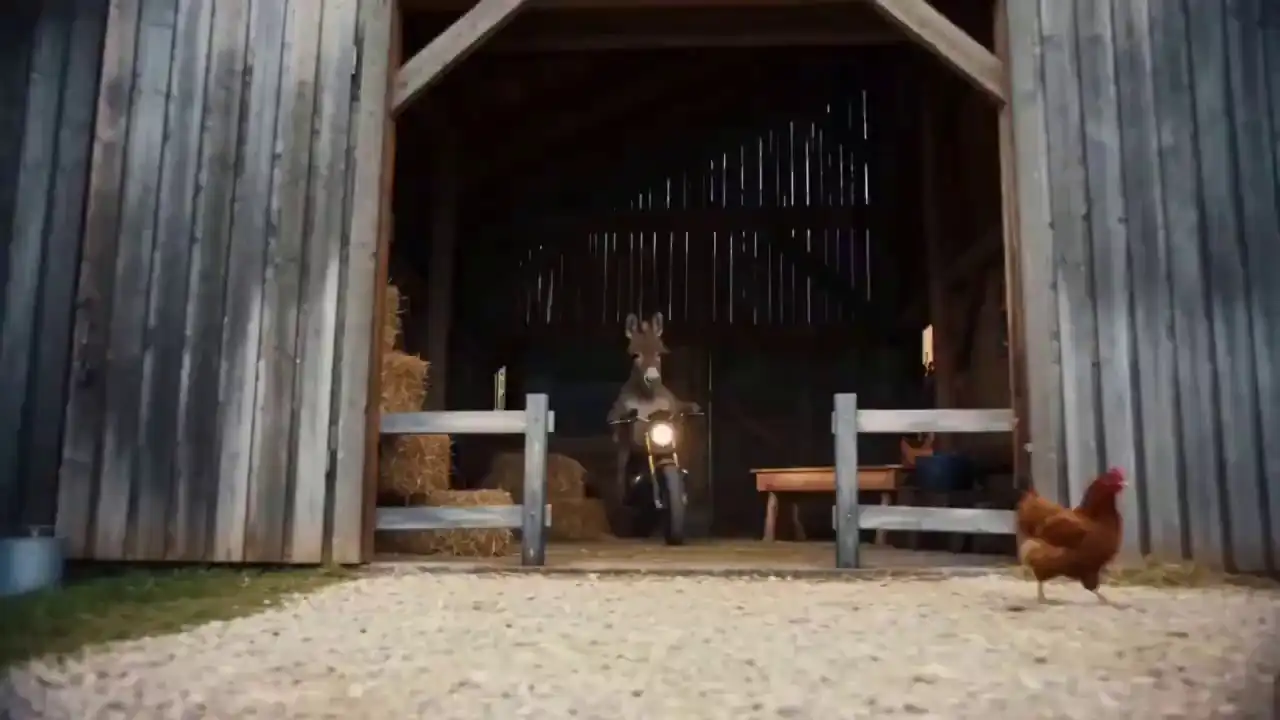
  • Gemini Omni - Creative action montage of a donkey riding a motorcycle across different terrains.Cinematic

    Cinematic · Creative / Surreal

    Donkey Motorcycle Action Sequence Across Three Terrains

    Prompt used

    An action-packed sequence of a donkey on a motorcycle: bursting through a fence, performing tricks in the sand, and a final mountain jump reveal with a clean masking tagline.

    Watch for: The model correctly sequences three distinct environments from a single prompt — and the character identity holds across all of them.

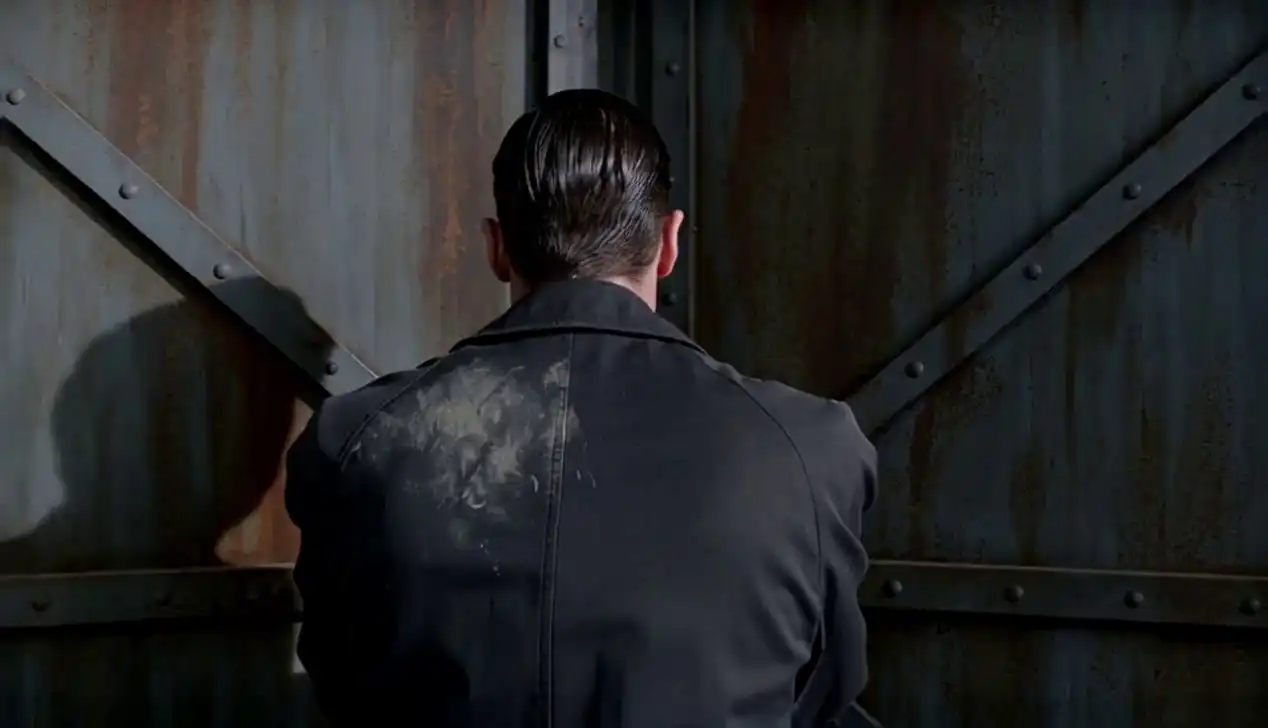
  • Gemini Omni - Mystery noir scene with a detective and a ringing phone in a warehouse.Cinematic

    Cinematic · Noir / Mystery

    Detective Enters Warehouse — Single Red Chair, Ringing Phone

    Prompt used

    A detective in a rumpled trench coat enters a dimly lit warehouse. A steady tracking shot reveals a single red chair with a ringing rotary phone. Noir lighting and anamorphic lens.

    Watch for: The tracking shot movement stays smooth and cinematic — not the jittery motion most AI video tools produce. The red chair becomes the visual anchor exactly as prompted.

  • Gemini Omni - Visceral cinematic sequence of a blind chef's mastery in a high-end kitchen.Cinematic

    Cinematic · Character-Driven

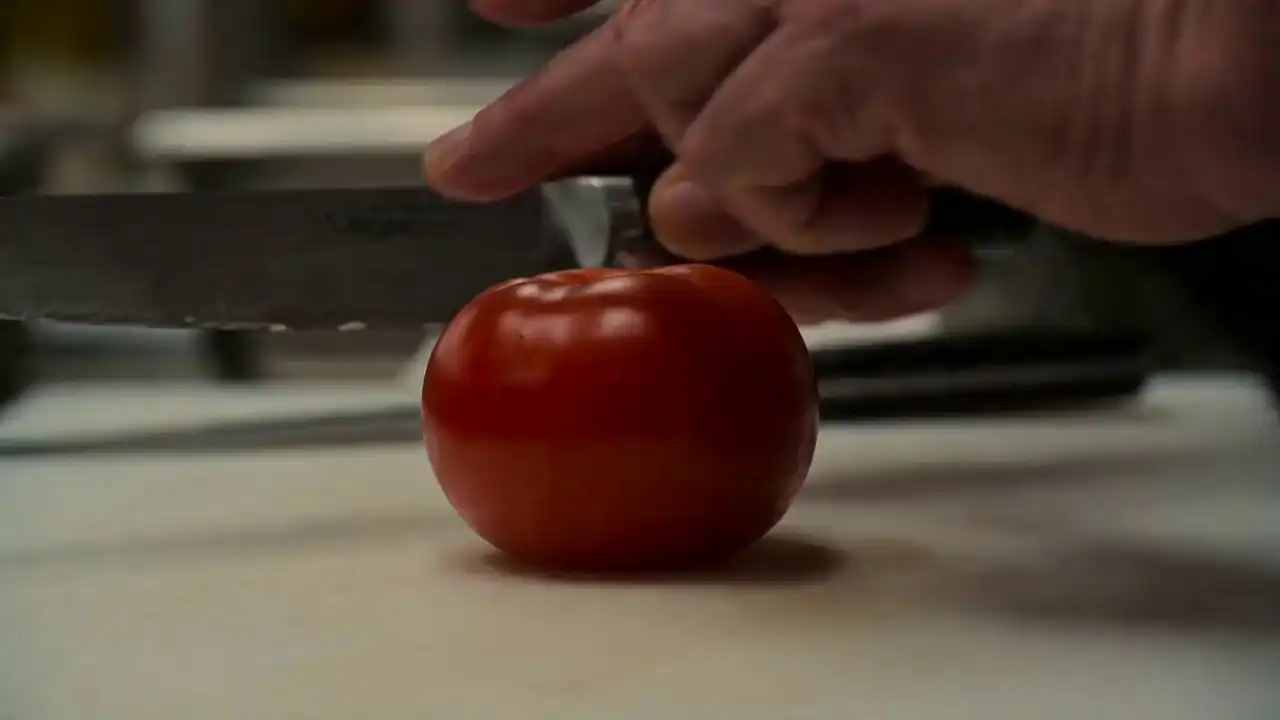
    Blind Master Chef — Michelin Kitchen, Extreme Close-Ups

    Prompt used

    A blind master chef working with sensory precision in a chaotic Michelin-star kitchen. Extreme close-ups of knife skills and plating by touch alone. Masterful and visceral.

    Watch for: Knife motion and hand positioning remain physically accurate throughout the close-up cuts — a hard test for any video model.

  • Gemini Omni - Academic scene of a professor teaching math at a chalkboard.Explainer

    Explainer · Education · Text Rendering

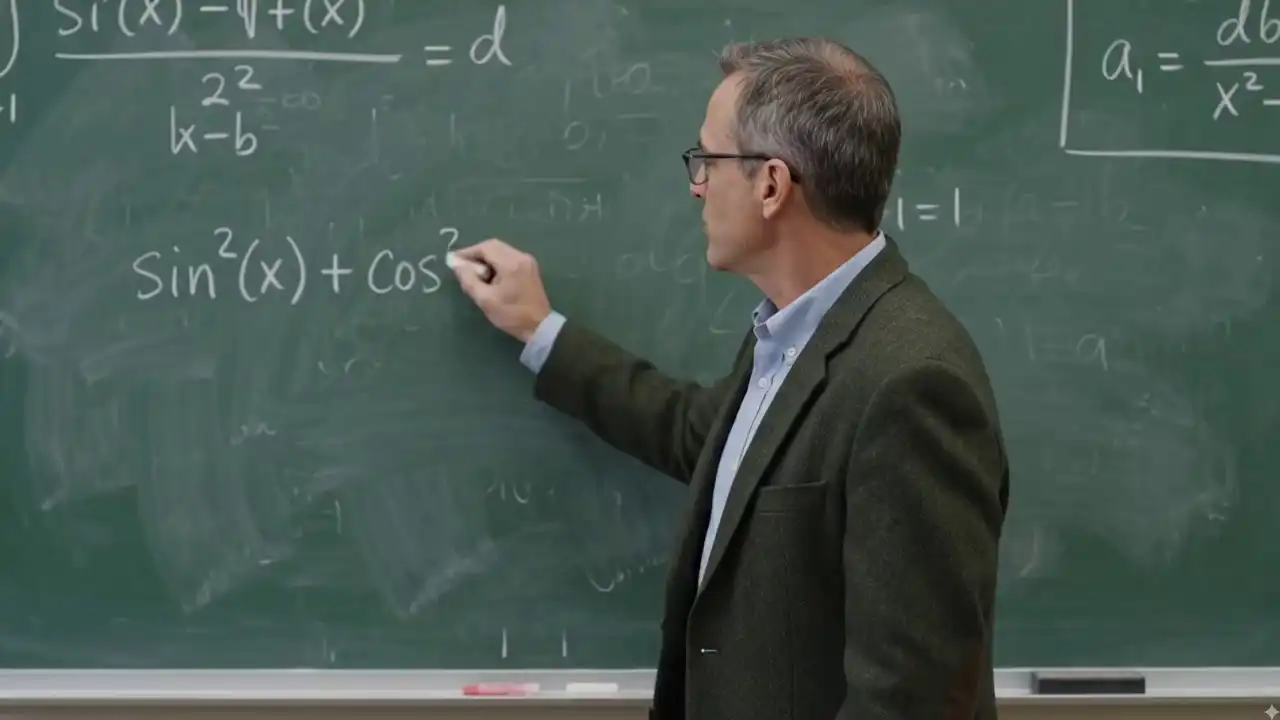
    Professor Teaches Trigonometry — Equations Stay Legible Throughout

    Prompt used

    A middle-aged professor with glasses at a green chalkboard, explaining trigonometric identities and turning to face the camera. Classic academic setting.

    Watch for: Every equation on the chalkboard stays accurate and legible for the full clip. Getting text right inside video is where most AI models fail — Gemini Omni doesn't.

  • Gemini Omni - Cinematic golden hour landscape with a vintage travel car.Cinematic

    Cinematic · Landscape · Golden Hour

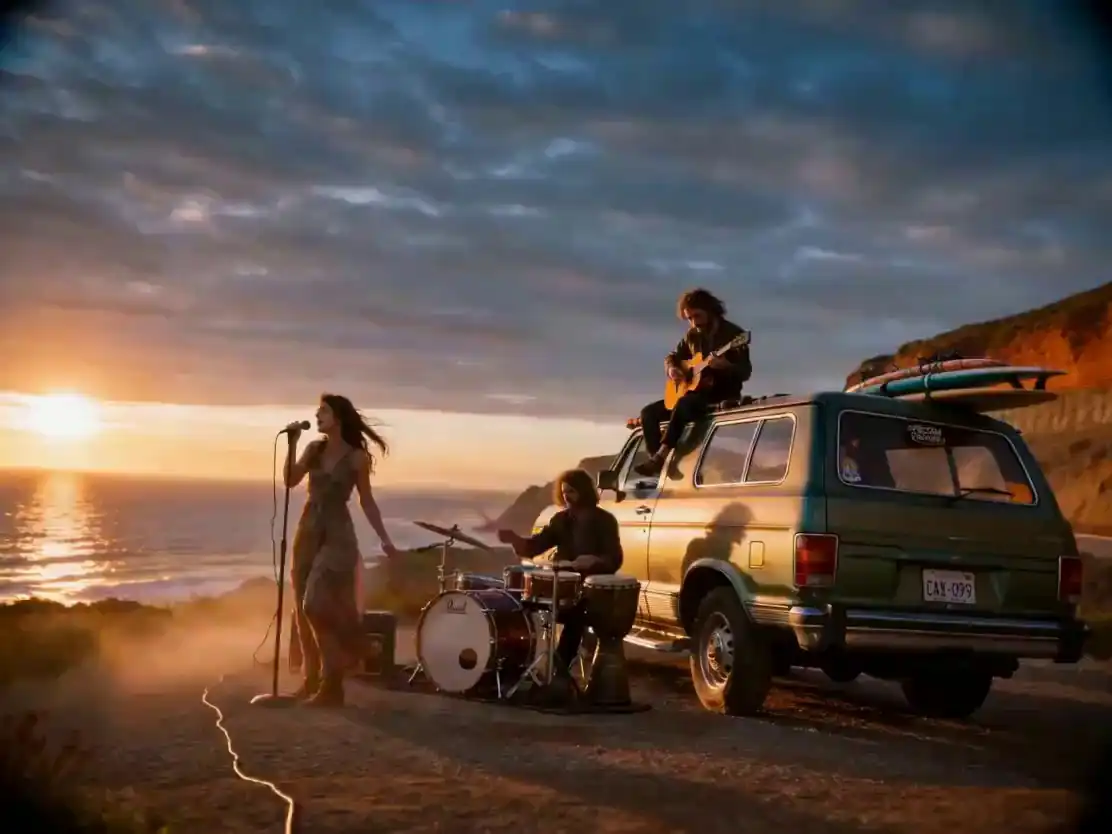
    Vintage Travel Car on Cliffside at Golden Hour — Volumetric Light

    Prompt used

    Cinematic ultra-wide establishing shot of a vintage travel car on a cliffside dirt road at golden hour, featuring volumetric light rays and a distant sea horizon.

    Watch for: Volumetric light rays move naturally through the scene — not a static overlay, but dynamically integrated lighting that shifts with the camera.

  • Gemini Omni - Professional watermark removal editing demonstration.Editing

    AI Video Editing · Watermark Removal

    Advanced Editing — Clean Watermark Removal Without Touching the Frame

    Prompt used

    Advanced video editing: Remove the Sora watermark from the clip while keeping framing, motion, and color grading perfectly intact.

    Watch for: Color grading and motion both survive the removal cleanly. No blur patch, no smear — the surrounding area reconstructs perfectly.

  • Gemini Omni - Object replacement editing: from pasta to Tom Yum soup.Editing

    AI Video Editing · Object Replacement

    Object Swap — Pasta Bowl Replaced with Tom Yum Soup, Same Lighting

    Prompt used

    Advanced video editing: Replace a bowl of pasta with a bowl of Tom Yum soup, maintaining identical lighting, plating, and camera movement.

    Watch for: The light falling on the new bowl matches the original exactly — shadows, specular highlights, and steam all behave consistently with the surrounding scene.

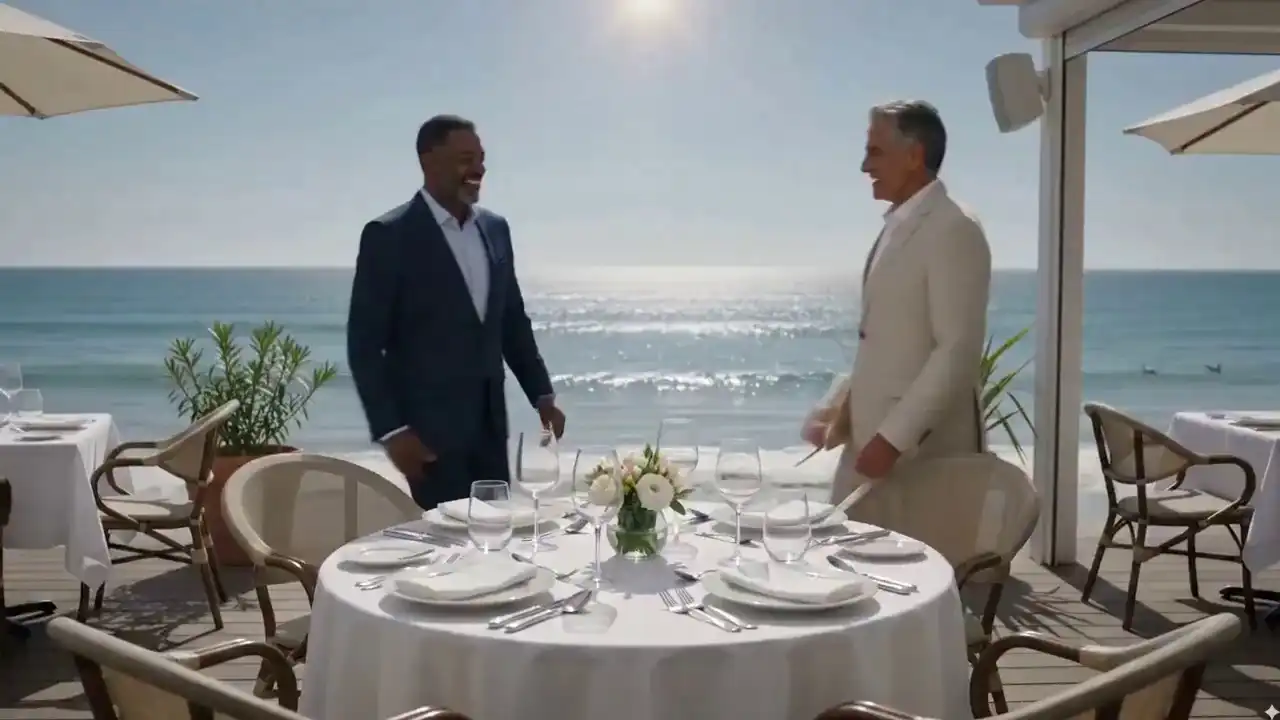
  • Gemini Omni - High-fidelity AI video generation example.Featured

    Featured · High-Fidelity Output

    High-Fidelity Production Example — Professional-Grade AI Video

    Prompt used

    A production-ready example output from Gemini Omni, showcasing the model's ability to generate professional-grade cinematic video content.

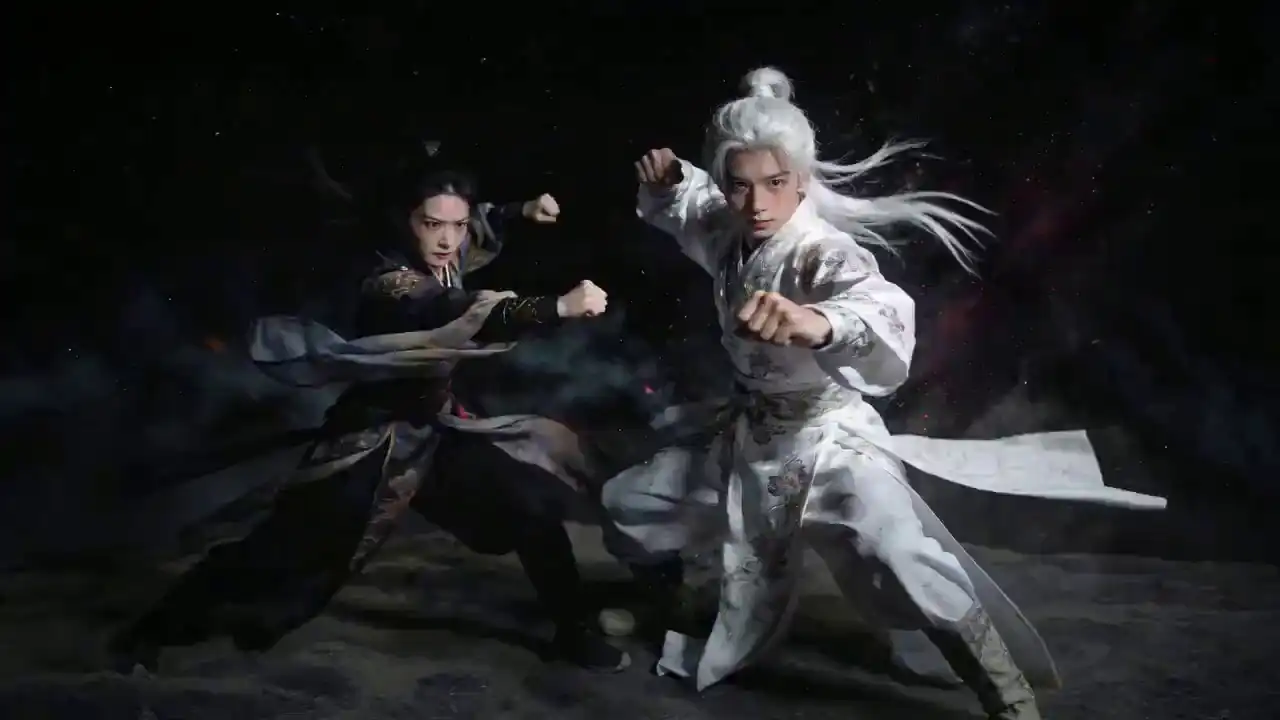
  • Gemini Omni - Starry night combat remixed with smooth orbiting camera motion.Remix

    Remix · Clip Combination

    Starry Night Combat — Actions from One Clip, Camera from Another

    Prompt used

    Remixing existing clips: A combat scene under a starry night sky with white dust rising, utilizing actions from one video and orbiting camera motion from another.

    Watch for: The orbiting camera motion from one source clip is transplanted cleanly onto the action from another — the result reads as a single continuous shot.


What You're Actually Seeing

Why Gemini Omni Video OutputStands Out

Most AI video generators share the same three weak spots. Here's how Gemini Omni handles each one — as shown in the demos above.

Text stays accurate

In the chalkboard explainer above, every equation renders correctly for the full clip. Most AI video tools either smear the text, drop letters mid-clip, or hallucinate words that weren't in the prompt. Gemini Omni doesn't. This matters most for explainers, product demos, and any content where on-screen text must be readable.

Physics hold up

Watch the knife motion in the blind chef demo, or the volumetric light rays in the vintage car clip. Gemini Omni keeps cloth movement, liquid motion, and lighting transitions physically accurate across the full duration — not just in the first frame. Camera motion is smooth, not jerky.

Audio is built in, not bolted on

Every Gemini Omni demo includes synchronized audio generated alongside the video. Sound effects, ambient noise, and dialogue match what's on screen automatically. No separate audio workflow, no manual sync step, no additional credits — it comes standard with every generation.


Prompt Guide

The Prompt Patterns BehindThese Gemini Omni Demos

Every clip above started as one sentence. Four patterns work consistently across categories.

Works best for: lifestyle, food, people

Subject + Action + Setting + Lighting

"A barista pours latte art in a cozy café, close-up, warm morning light."

Works best for: product videos, e-commerce

Product + Surface + Camera Move + Aesthetic

"A skincare bottle on white marble, slow rotating reveal, golden hour lighting, luxury aesthetic."

Works best for: cinematic, action, travel

Person + Location + Camera Style + Mood

"A delivery rider races through a rain-soaked megacity at 2 AM, neon reflections, kinetic POV, breathless atmosphere."

Works best for: explainers, education, tutorials

Topic + Visual Style + Text Instructions

"A professor at a green chalkboard explains trigonometric identities, turning to face camera, classic academic setting."

FAQ

Gemini Omni Video Demos —Frequently Asked Questions

Are these Gemini Omni video demos real outputs?
Yes — every clip was generated directly from the text prompt shown beneath it. No color grading, editing, or post-processing was applied. What you see is raw model output.
How long are Gemini Omni video clips?
Clips go up to 10 seconds on paid plans. Free accounts get 10 credits on signup, enough to generate multiple shorter clips or test any resolution. All demos on this page are full-length outputs at the Pro tier.
What resolution do Gemini Omni videos output at?
Gemini Omni outputs at 480p (1 credit/s), 720p (3 credits/s), and 1080p Full HD (9 credits/s). All demos on this page are 1080p. See the pricing page for a full credit breakdown.
Do Gemini Omni videos include audio?
Yes. Every clip includes AI-generated audio — sound effects, ambient noise, or dialogue — automatically synced to the video. No separate audio step needed. Toggle sound on any demo card above to hear it.
Can I generate videos like these myself?
Yes. Sign up for free, get 10 credits instantly with no card required, and copy any prompt from this page into the generator. Results typically render in under 30 seconds.
What categories are covered in these Gemini Omni demos?
This page covers cinematic scenes (action, noir, landscape, character), AI video editing (watermark removal, object replacement), explainer clips, and remix demos — 11 total. New outputs are added when the model updates. Use the filter tabs above to browse by category.


Your Clip Is 30 Seconds Away

Seen Enough?Generate Your First Video Free.

Pick any prompt from this page, paste it in, and see what Gemini Omni builds for you. No card, no timeline, no software.

Generate Your First Video

Want HD output, longer clips, and no watermark? See Pro plans →

10 free credits on signupNo credit card neededResults in under 30 secondsCommercial license