Google DeepMind · Gemini Omni Flash · Live Now
Gemini Omni Flash Video Generator — Free to Try Online
Turn text prompts, photos, and existing clips into cinematic 1080p HD video with native synchronized audio. No timeline, no software, no experience required — describe what you want, Gemini Omni Flash handles the rest.
Try it now — 10 free credits on signup
Try the Gemini Omni Flash Video Generator Online
Start with text, a photo, a video clip — or all three at once. Gemini Omni reads every input and builds one cohesive video from them.
Pro Tips
- 480p is best for quick previews; 720p balances quality and credits; 1080p for final deliverables.
- Be specific about camera movement, lighting, and subject action for sharper results.
- Use Image To Video when you have clear start and end frames with similar composition.
- In Reference mode, name assets in your prompt as @image1, @video1, or @audio1.
How to use the Gemini Omni Flash Video Generator
How It Works — Prompt In, Video Out
No timeline. No plugins. No technical setup. Describe what you need and Gemini Omni Flash handles the rest.
Write Your Prompt
Describe what you want to see — a product shot, a social clip, an animated explainer sequence. Gemini Omni Flash fills in camera angles, lighting, and motion automatically. No prompt engineering, no technical setup required. Plain English is enough.
Video Generated in Seconds
Gemini Omni Flash processes your prompt and outputs a 1080p clip with synchronized audio, natural camera movement, and legible on-screen text. On GeminiOmniHub, your clip is ready when the model finishes — no rendering queue, no waiting room.
Download, Edit & Share
Download your clip in HD, refine it with chat-based edits — free after every generation — or drop it straight into your pipeline. All outputs include an imperceptible SynthID watermark for AI content provenance, built in by Google DeepMind.
Everything Gemini Omni Flash can do
One Tool, Every Video You Need
Text prompts, reference images, existing clips, native audio — bring whatever you have. Gemini Omni Flash builds the video from it.
Prompt: A marble rolling fast on a chain reaction style track, continuous smooth shot
Real-world physics, one sentence away
Type any scene in plain English — Gemini Omni Flash renders a 1080p clip with no rendering queue and no waiting. The model understands gravity, kinetic energy, and fluid dynamics, so every frame looks filmed, not generated. Camera angles, lighting, and motion are all inferred from your prompt automatically.
- ✓1080p HD · 24 fps · up to 10 seconds per clip
- ✓Physics-accurate gravity, kinetics, and fluid dynamics
- ✓Natural camera movement and environmental lighting
- ✓Plain English — no prompt engineering required
Animate any photo — up to 5 reference images
Upload a reference image alongside your prompt and Gemini Omni Flash edits your footage to match — placing objects, transferring styles, or transforming scenes while preserving every original detail intact. Up to 5 reference images in a single generation pass.
- ✓Reference image guides the output
- ✓Original footage preserved as compositional base
- ✓Up to 5 reference images per generation
- ✓JPEG, PNG, WebP — up to 20 MB each
Multi-turn: Change the camera angle to be over the violinist's shoulder
Iterate across multiple turns — no regeneration
Edit in conversation. Change camera angles, swap characters, adjust lighting, or modify backgrounds — Gemini Omni Flash patches the clip in place without regenerating from scratch. Character, scene, and style stay consistent across every turn, no matter how many changes you make.
Transform your footage — style, season, action
Upload any video clip and describe how you want it changed. Swap the background, change the wardrobe, transfer art styles, or trigger visual transformations — Gemini Omni Flash applies AI-driven changes while keeping your original composition and timing intact.
- ✓Style, season, and background swap
- ✓Object and wardrobe replacement
- ✓Original footage preserved as base
- ✓MP4 source clips up to 100 MB
Prompt: When the person touches the mirror, make the mirror ripple like liquid…
On-camera presence — no studio required
Create a digital avatar that looks and sounds like you. Generate professional talking-head content for courses, ads, or brand videos without recording yourself. Your voice and your likeness are cryptographically secured — only you can use your avatar.
- ✓One-time identity verification recording
- ✓Your voice and likeness — secured by policy
- ✓Ideal for courses, ads, and brand videos
- ✓No camera, no studio, no editing
Sound effects, dialogue, and ambient audio from frame one
Gemini Omni Flash generates audio in the same pass as the video — dialogue, sound effects, ambient noise, and music synchronized from the first frame. No separate audio editor, no post-production sync. The audio is spatially aware and locked to every visual in the scene.
Combine image, style, text, video, and audio
Reference multiple inputs simultaneously and Gemini Omni Flash weaves them into one consistent scene. Tag each asset in your prompt — @image1 for character details, @video1 for motion rhythm, @audio1 for sound reference — and the model balances all of them without manual configuration.
- ✓Up to 12 reference files per generation
- ✓Images, videos, and audio mixed freely
- ✓Tag inputs in-prompt: @image1, @video1, @audio1
- ✓Scene, style, and motion stay consistent throughout
Who uses Gemini Omni Flash
Whatever You're Making — There's a Workflow for It
Product demos, social clips, explainer videos, client pitches — Gemini Omni Flash fits the way you already create.
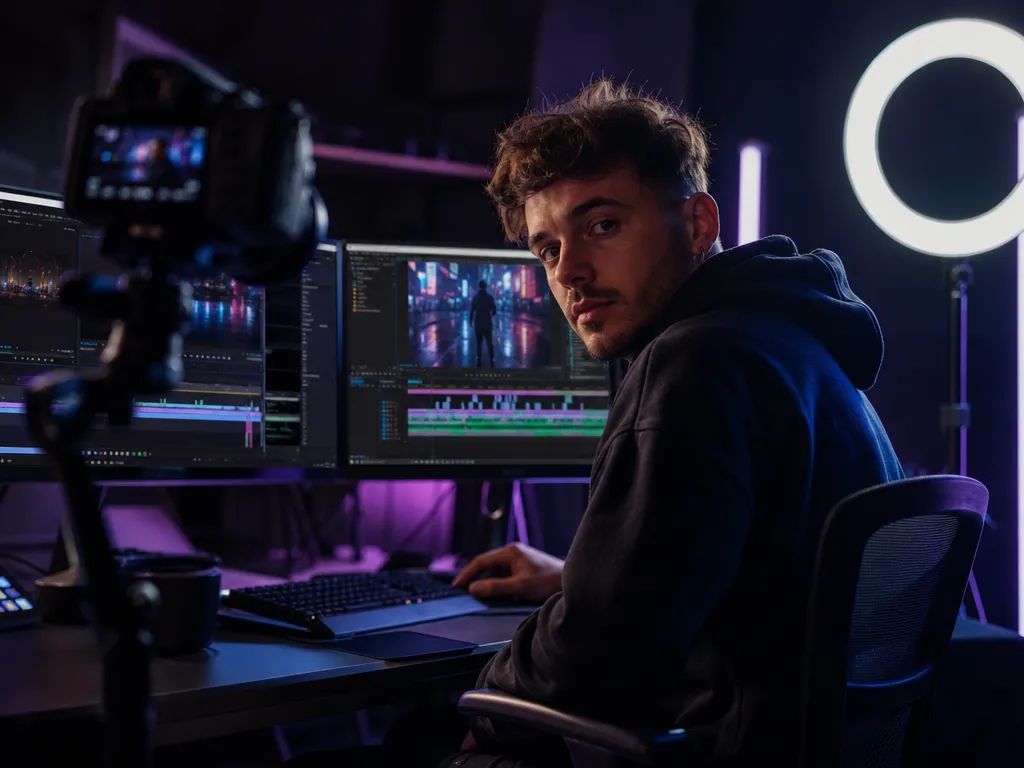
Content Creators & YouTubers
Generate B-roll, intros, and social clips without a camera or crew. Describe your shot, remix existing footage, or animate a still photo — ready in ~60 seconds with native audio included.
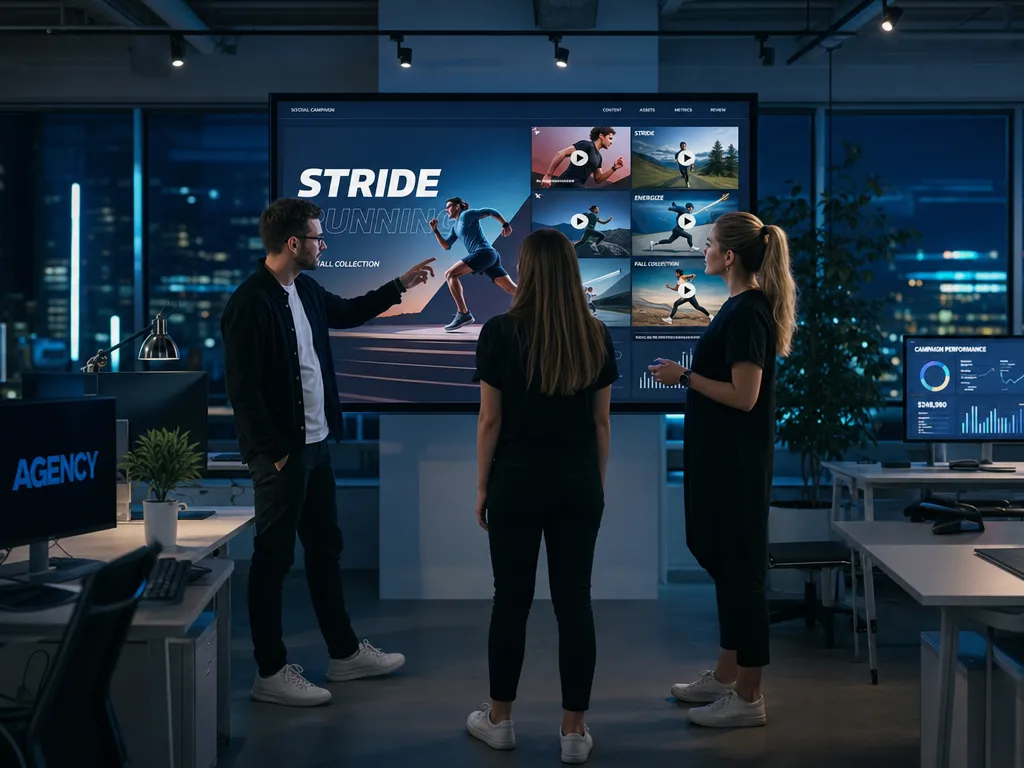
Marketing Teams & Agencies
Build ad creatives, product walkthroughs, and brand videos at scale. Generate 10 concept variations from one brief — test them all, ship the best-performing one.
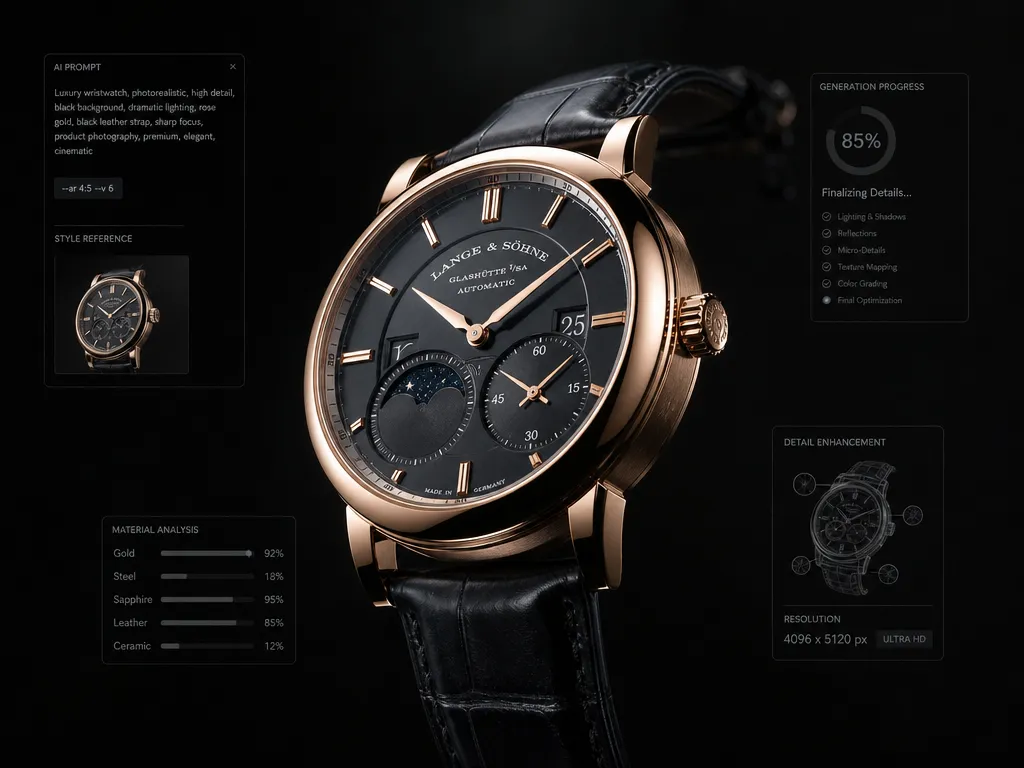
E-commerce Brands
Animate product photos into lifestyle clips without a studio. Drop AI-generated video on your product pages and let it do the selling — no photographer, no crew, no post-production.

Educators & Course Creators
Turn lecture notes into animated explainer videos. Gemini Omni Flash handles diagrams, on-screen text, and step-by-step visual sequences that make complex topics easy to absorb.
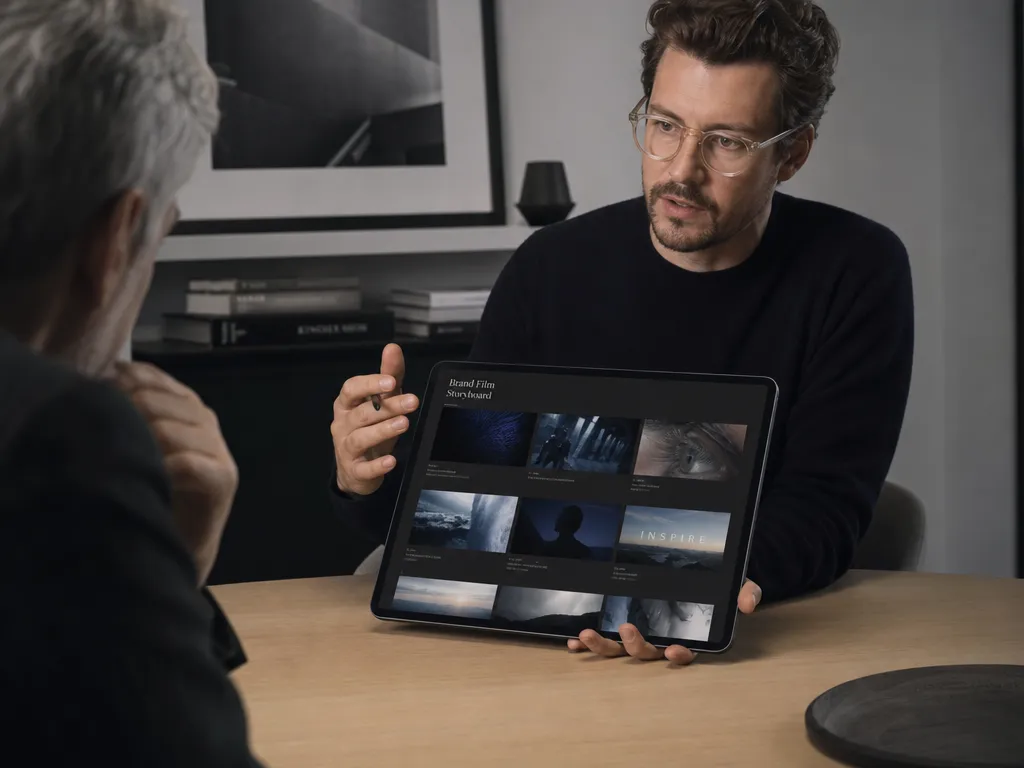
Freelancers & Creative Agencies
Pitch faster. Mock up video concepts for clients in minutes, not days. Deliver a polished first draft before your competitors finish the brief — no video editor on the team needed.
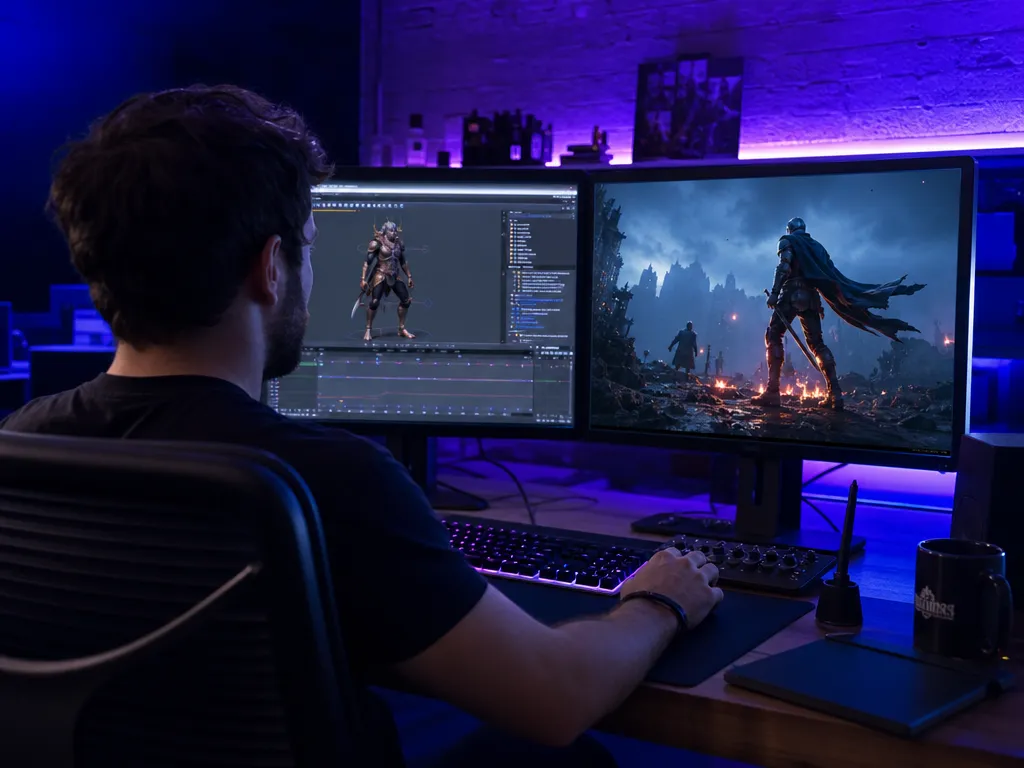
Game & App Developers
Create trailers, onboarding flows, and feature demos without a motion designer. Feed in a wireframe or screenshot and Gemini Omni Flash generates a polished video that sells the product.
Example outputs — real generations
See What Gemini Omni Flash Can Create
Every clip below is a real Gemini Omni Flash generation — text-to-video, image-to-video, remix, and multi-input combined. No editing software, no stock footage, no post-production.
All AI-generated video · Gemini Omni Flash · Up to 10 seconds · 1080p output
Pricing
Start Free — Pay Only for What You Generate
One-time credit packs. No subscription, no monthly fees. Credits never expire — buy now, use whenever.
Starter
Starter
one-time · no subscription
- 99 credits included
- 720p export, No watermark
- Commercial use license
- Standard queue speed
- Email support
Standard
Standard
one-time · no subscription
- 330 credits included
- Faster HD generation
- 720p export, No watermark
- Commercial use license
- Priority queue speed
- Priority support (email)
Pro
Pro
one-time · no subscription
- 600 credits included
- Better stability
- 720p export, No watermark
- Commercial use license
- Faster priority queue
- Priority support
Business
Business
one-time · no subscription
- 1250 credits included
- Professional delivery
- 720p export, No watermark
- Commercial use license
- Fastest queue
- Full effects pack
- 24/7 priority support
Need a full breakdown? View full pricing details →
FAQ
Frequently Asked Questions
Every question you have about the Gemini Omni Flash Video Generator — answered right here.
What is the Gemini Omni Flash Video Generator?+
Gemini Omni Flash is Google DeepMind's latest AI video generation model. It converts text prompts, reference images, existing video clips, and audio into cinematic 1080p HD video with native synchronized audio. On GeminiOmniHub you get access to the full capability set — text-to-video, image-to-video, chat-based editing, video remix, and AI avatars — all in-browser, no installation required.
Is the Gemini Omni Flash Video Generator free?+
On GeminiOmniHub, new users receive 10 free credits on signup — no credit card required. Free credits are limited to 3 accounts per IP address. After that, paid one-time credit packs start at $9.90 for 99 credits (no subscription). Credits unlock HD output, longer clips, chat editing, video remix, and AI avatar generation.
How long can Gemini Omni Flash videos be?+
Gemini Omni Flash generates clips up to 10 seconds per generation — longer than Veo 3 (8 seconds) and most competing AI video models. For longer sequences, multiple 10-second clips can be chained in any standard video editor, or extended using the Video Extension mode on GeminiOmniHub.
Does Gemini Omni Flash generate audio automatically?+
Yes. Gemini Omni Flash generates synchronized dialogue, ambient sound, and sound effects natively in the same processing pass as the video — no separate audio editor required. The audio is spatially aware and locked to every visual from the moment of export. This is one of the key capabilities that separates Gemini Omni Flash from most competing AI video models.
How does Gemini Omni Flash compare to Veo 3 and Sora 2?+
Gemini Omni Flash is the only AI video generator that combines text-to-video, image-to-video, chat-based multi-turn editing, video remix, AI avatars, and native audio in a single interface. It generates up to 10-second clips versus Veo 3's 8-second limit. Unlike Sora 2, which was discontinued for consumers in early 2026, Gemini Omni Flash is actively supported and available on GeminiOmniHub with a free entry tier.
What file types can I upload for image-to-video?+
For image-to-video and reference image inputs, GeminiOmniHub accepts JPEG, PNG, and WebP files up to 20 MB each. You can upload up to 5 reference images in a single generation. For video remix and reference video inputs, MP4 files up to 100 MB are supported. For audio references, MP3 and WAV files up to 15 MB each are accepted.
What is AI avatar generation in Gemini Omni Flash?+
AI avatar generation lets you create a digital version of yourself that looks and sounds like you — so you can appear on camera in videos without recording yourself. After a one-time identity verification, your avatar is secured to your account: only you can use it. It is ideal for educators, course creators, and brand spokespeople who need a consistent on-screen presence without a studio setup.
What is SynthID and why is it on my videos?+
SynthID is an imperceptible digital watermark developed by Google DeepMind that is embedded in every AI-generated video. It verifies that the content was created by AI without affecting visual quality. SynthID is part of Google's responsible AI framework — it does not restrict how you use the video, and it is not visible to human viewers.
Can I use Gemini Omni Flash video outputs commercially?+
Commercial use — including paid ads, client deliverables, and revenue-generating projects — is available on all paid credit plans on GeminiOmniHub. Free credits are for personal and testing use only. All paid plan outputs include a full commercial license with no royalties.